Record
Log headache severity and medication simply, without turning every day into a questionnaire.
CEFREF HEADACHE DIARY
CEFREF is a simple digital headache diary designed to help you record, review and understand your headache patterns.
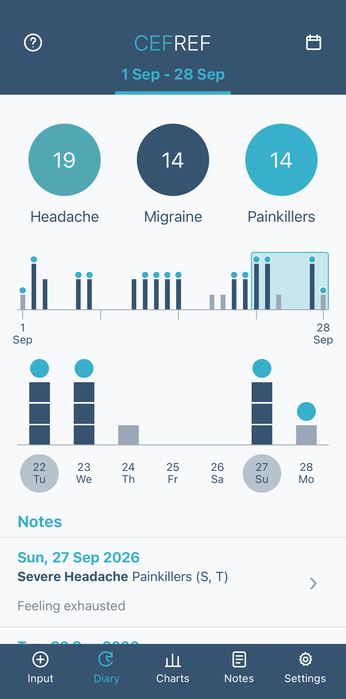
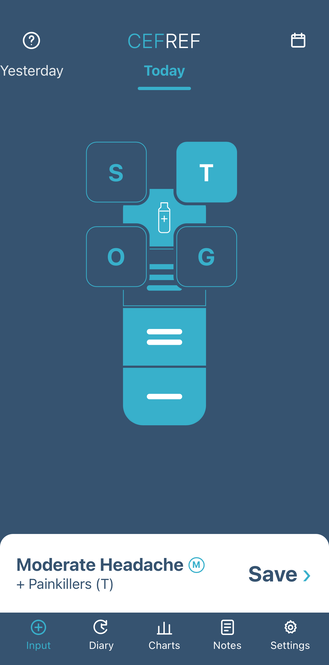
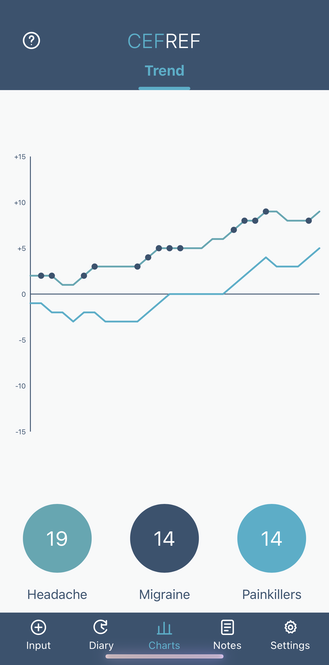
SIMPLE BY DESIGN
A few seconds of daily recording creates a useful picture of your headaches over time.
Log headache severity and medication simply, without turning every day into a questionnaire.
See headache and migraine days across meaningful time periods in clear visual summaries.
Use patterns and trends to support more useful conversations about your headache care.
From daily recording to longer-term review.

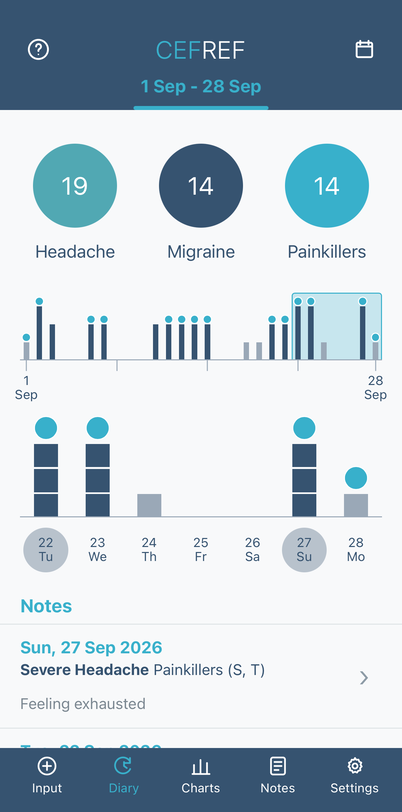
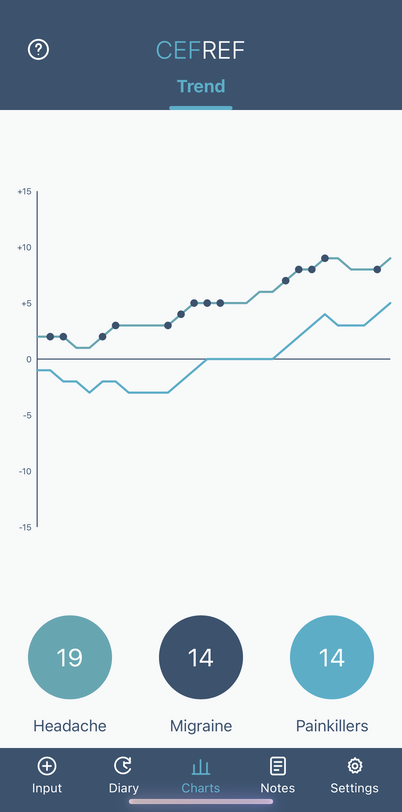
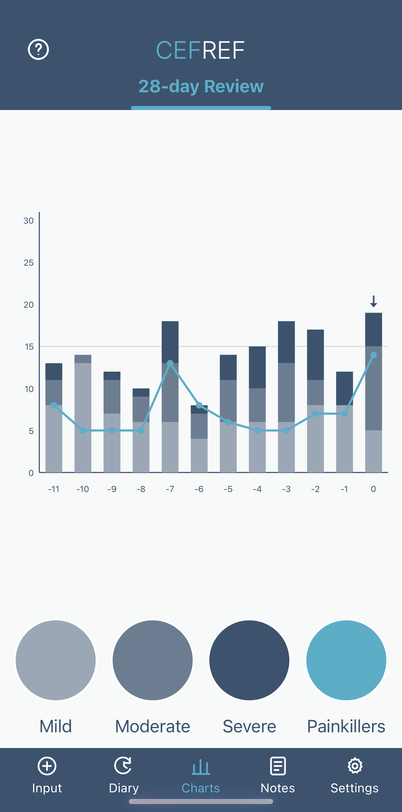
YOUR DIARY
CEFREF brings your headache, migraine and medication information together over meaningful time periods, making patterns easier to see and review.
See how CEFREF works →GETTING STARTED
From opening the app to recording your first day, follow our simple step-by-step guide.
Get started →PROJECTS
Learn how Project participation, Unlock Codes and consent work alongside your own CEFREF account.
Explore Projects →HEALTHCARE PROFESSIONALS
A concise longitudinal view designed to support informed headache consultations.
For healthcare professionals →RESEARCH
Explore the clinical thinking behind CEFREF and routes for research collaboration.
Research & collaboration →FOCUSED ON WHAT MATTERS
A deliberately concise way to record headache severity and medication use.
Review headache, migraine and medication patterns across meaningful time periods.
Clear visual summaries can support more structured discussions with healthcare professionals.
You can use CEFREF directly in your web browser, or add it to your phone’s Home Screen for quicker access and headache diary reminders.
Use Safari
Go to CEFREF in Safari. If you have opened CEFREF in another browser, choose Open in Safari.
Tap the ••• menu and then tap the Share symbol.
Scroll down and select Add to Home Screen, then tap Add.
Use Google Chrome
Go to CEFREF using Google Chrome.
Tap the ⋮ menu.
Select Add to Home screen or Install app, then follow the on-screen confirmation.
Use CEFREF in your web browser
Open your usual web browser on your PC or Mac.
Enter cefref.com in the address bar.
Select Open CEFREF and sign in to your account.
Don't want to add CEFREF to your Home Screen? You can continue to use CEFREF normally in your web browser.
Get CEFREF